> ## Documentation Index
> Fetch the complete documentation index at: https://viewerdocs.planpoint.io/llms.txt
> Use this file to discover all available pages before exploring further.
# Lock Screen
> The lock screen feature encourage visitors to share their information to gain access to your Planpoint before accessing the project plans. This approach ensures that your sales team can reach out to individuals showing interest in your project.
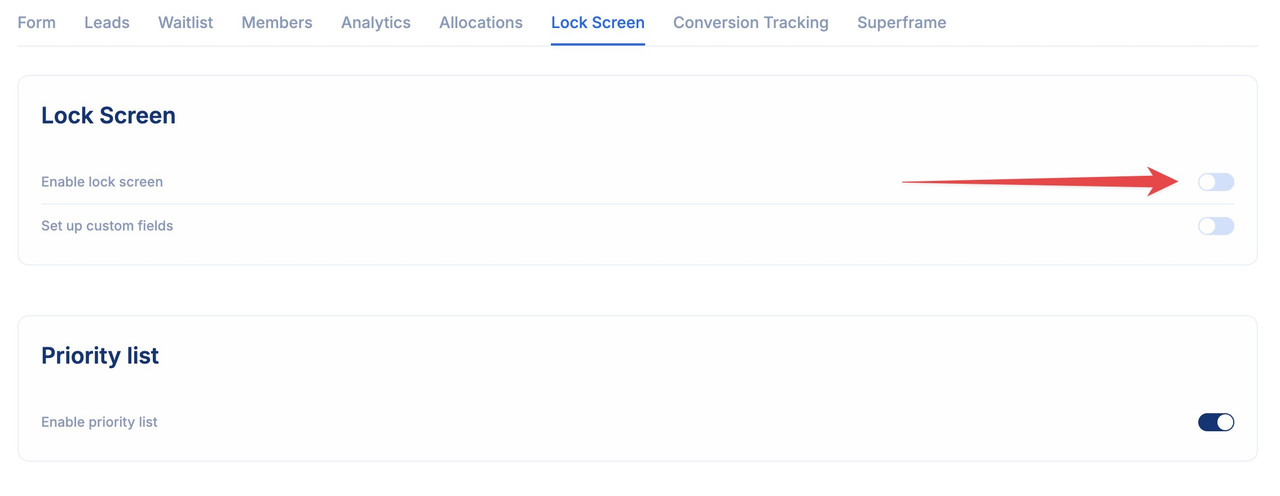
* Start by enabling the lock screen
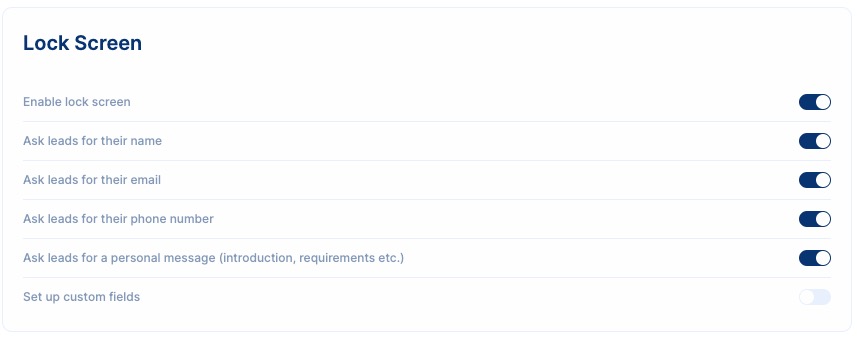
 * After enabling this feature, within the settings, activate the lock screen feature and specify the parameters you wish to gather from your leads, such as name, email, phone number. Alternatively, configure custom fields for the form according to your preferences.
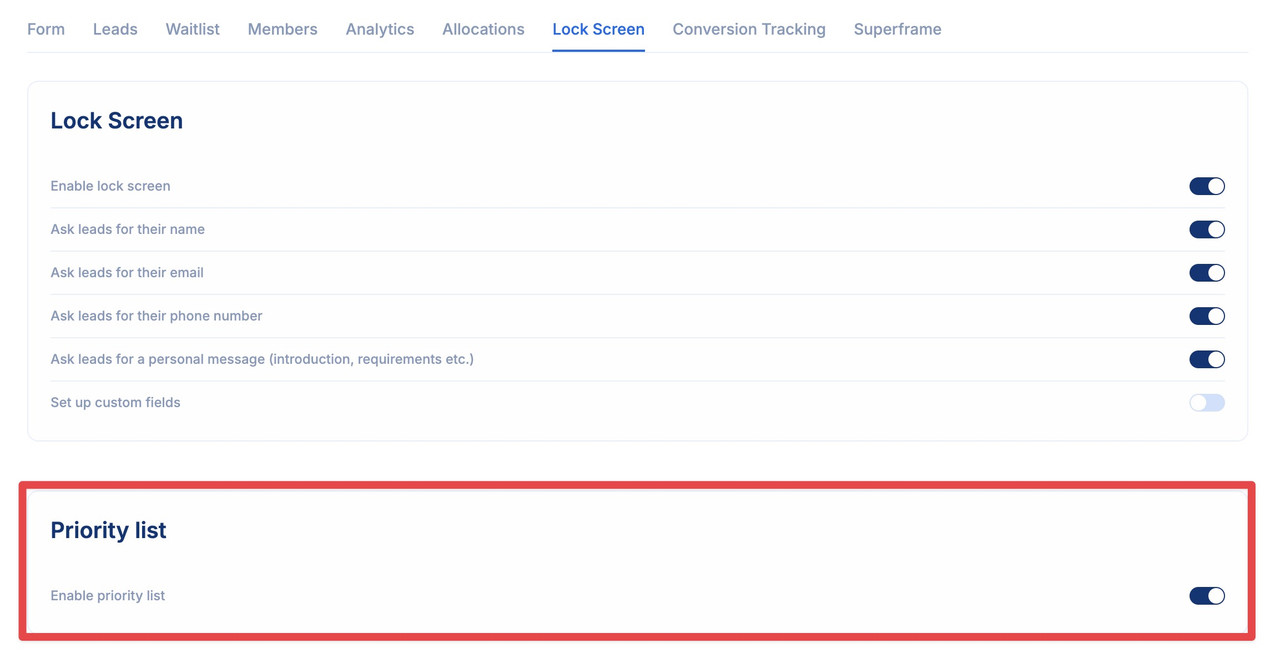
 * You can also enable the priority list feature that allows the customer to organize the list of preferred units of the project