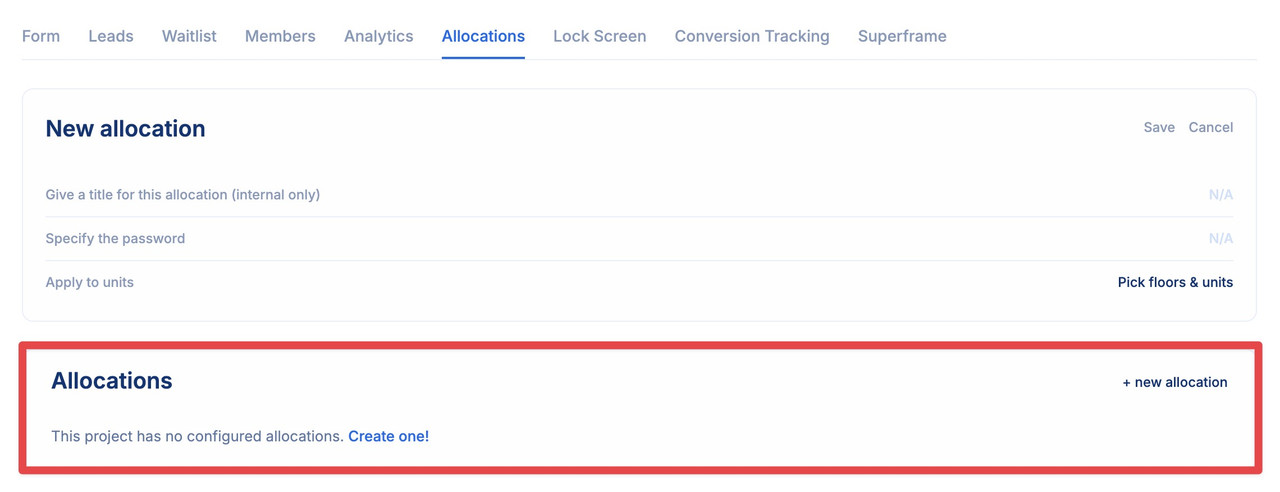
Now that you’ve watched the video, let’s dive deeper into the details. Below, you’ll find a step-by-step guide with images to help you better understand the process.
Under the Allocations tab, you can allocate restricted access to floors and units for designated individuals, be it VIP brokers contributing to your project or key stakeholders. Utilizing this functionality enables you to generate a personalized Planpoint with designated units for a particular individual, requiring a password for access.
-
Start by clicking + new allocation
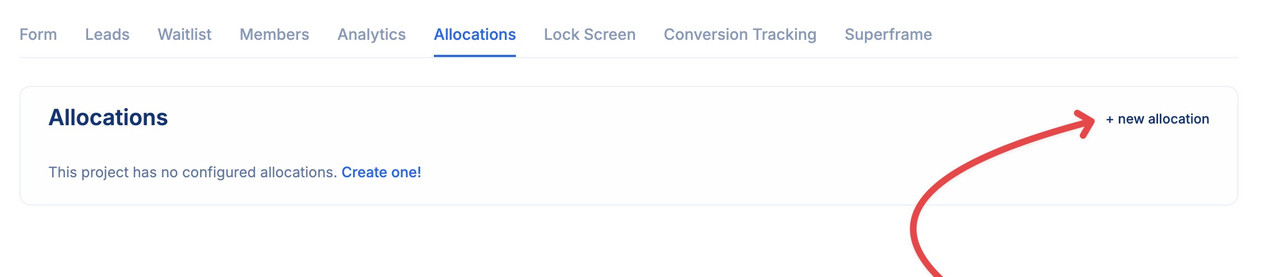
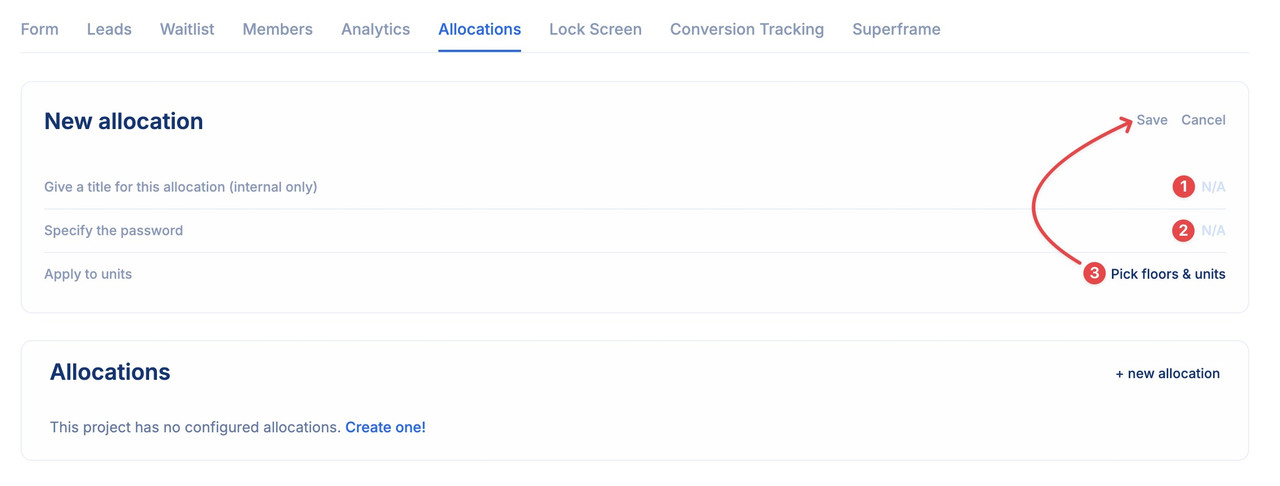
- Then simply give a title for this allocation
- Specify a password
-
Select the units you want this allocation to apply and save
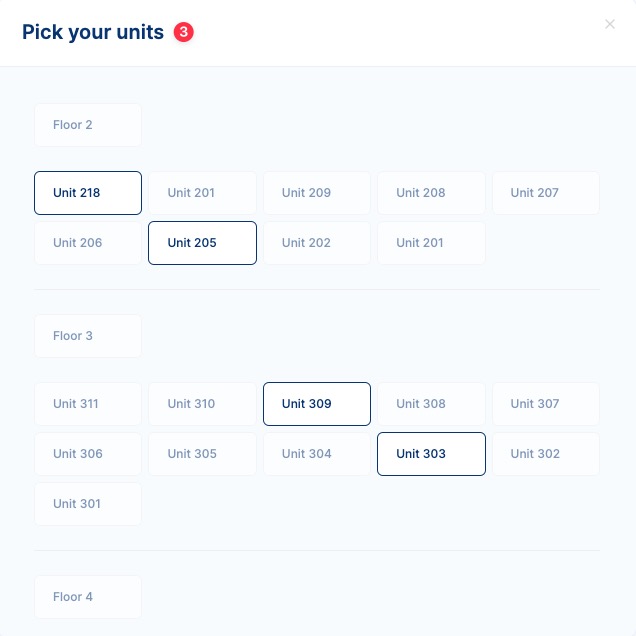
Choose the units to which you intend to apply this allocation.
-
At the bottom of the page you can see all the allocations you have setup for this project